NNo Restrictions AI
  • My Creations
  • Pricing
NNo Restrictions AI

Create original images from text and refine your ideas with No Restrictions AI Image Generator.

[email protected]
Product
  • AI Video Generator No Restrictions
  • Uncensored AI Image Generator
  • Uncensored AI Image Editor
  • No Restrictions AI
  • AI Image Editor
  • My Creations
  • Pricing
Free Tools
  • Image to Prompt
  • Prompt Generator
  • Remove Background
Resources
  • Privacy & Cookies Policy
  • Terms and Conditions
  • Refund Policy
© 2026 No Restrictions AI. All Rights Reserved.

Uncensored AI Image Editor

A free uncensored AI photo editor — edit, restyle and replace anything in your image, in the browser.

Free to start · Prompt-based photo editing · Your creative direction

7 models

Image

0/5

Sample

Explore sample images

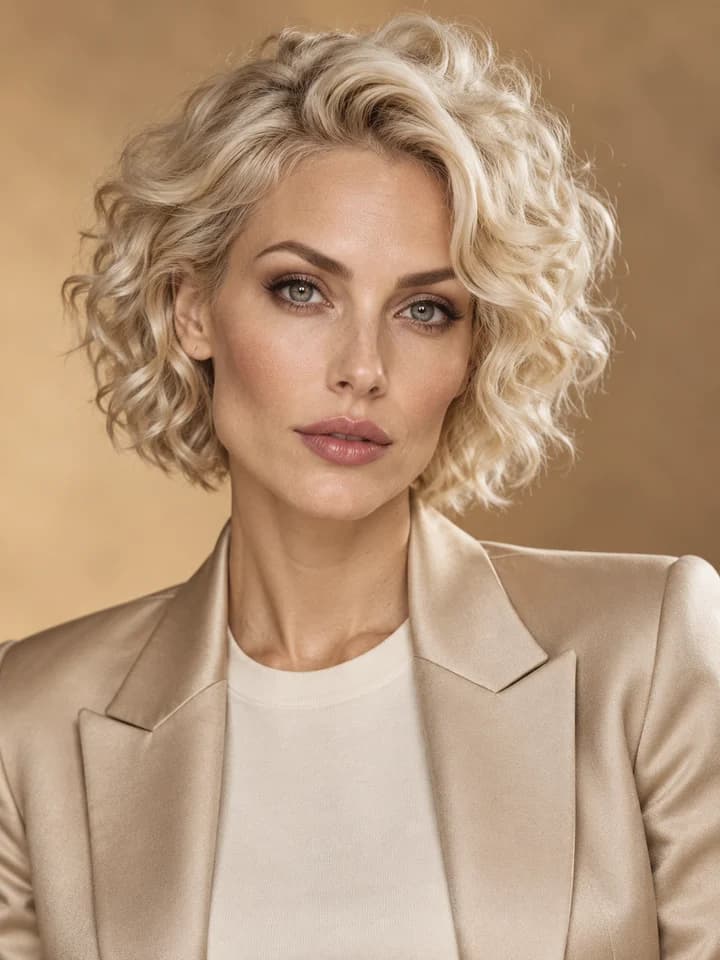
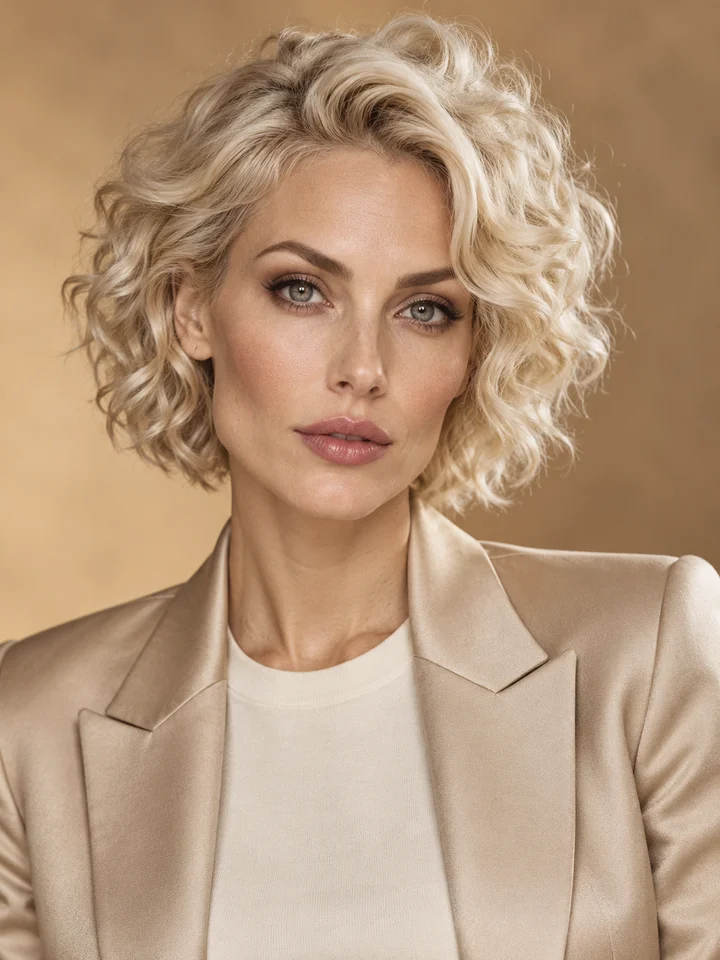
Adult woman with a platinum curly bob in a champagne blazer in a fashion studio
Images are saved to your generation history

What Can You Do with an Uncensored AI Image Editor?

Keep the image as your starting point and use words to direct the next version.

Edit a Photo with a Clear Text Prompt

Write what you want to change and what should stay. Ask for softer light, a darker jacket, or a cleaner scene while keeping the original composition as your guide. The uncensored AI image editor brings prompt-based editing into a focused online workspace, without manual masks or layer controls.
Try AI Image Generator No Restrictions Free
Adult woman with a platinum curly bob in a champagne blazer in a fashion studio

Replace the Background, Keep the Idea

Take a portrait from a plain room to a warm studio, a rooftop, or a coastal setting. Describe the new environment and ask the model to preserve the subject and framing. Review the result closely: AI edits can also change details you intended to keep.

Try Uncensored AI Image Editor Free
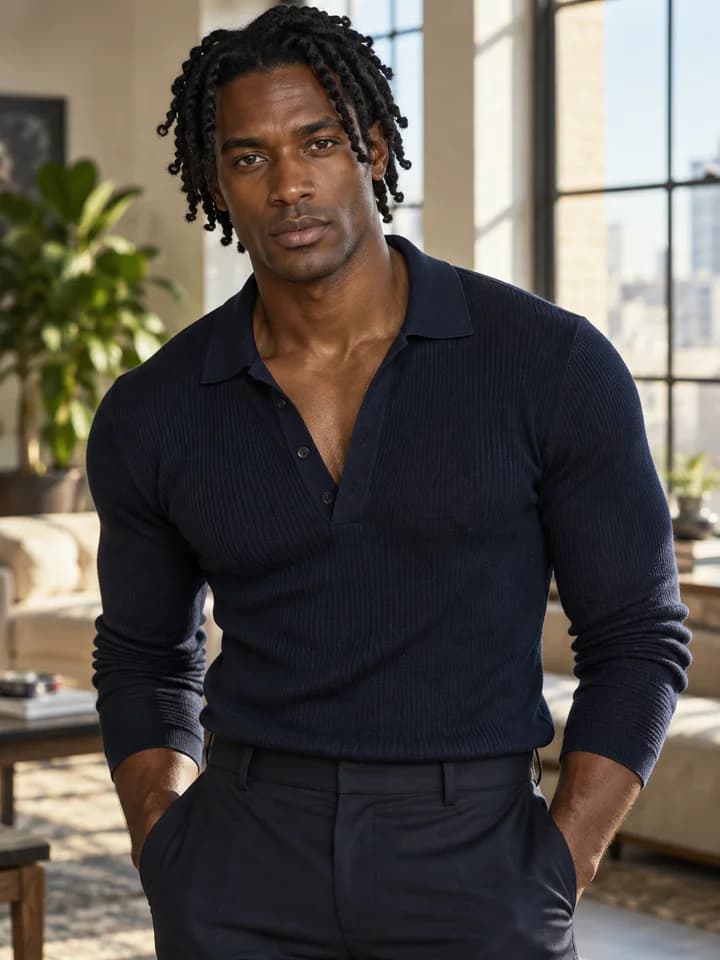
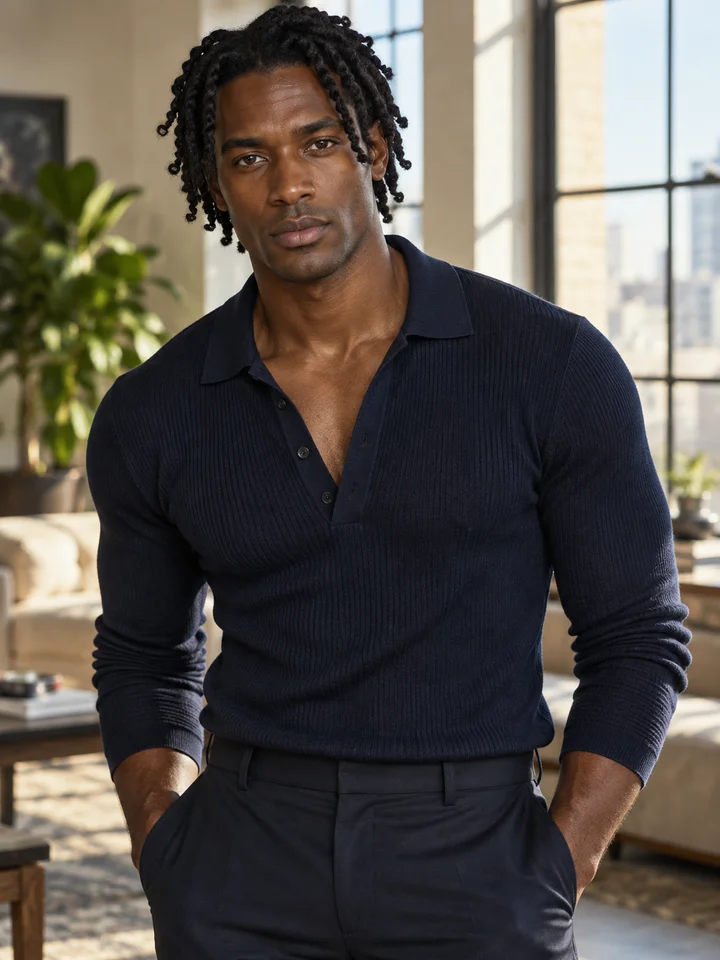
Adult Black man with medium twists in a navy knit shirt in a sunlit loft

Explore Fashion, Portraits, and Mature Creative Themes

Develop an editorial look, a fictional adult character, or an expressive 18+ fashion concept from a reference you have permission to use. This uncensored AI image editor workspace gives you a choice of models and creative directions. Supported content depends on the selected model and its provider policies.

Try Uncensored AI Image Editor Free
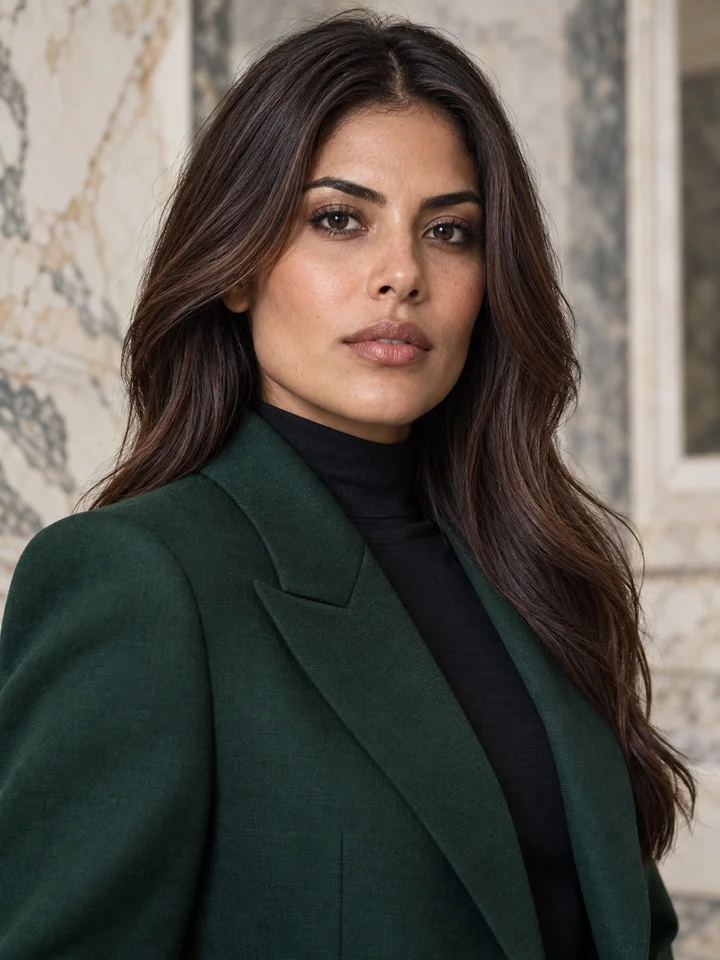
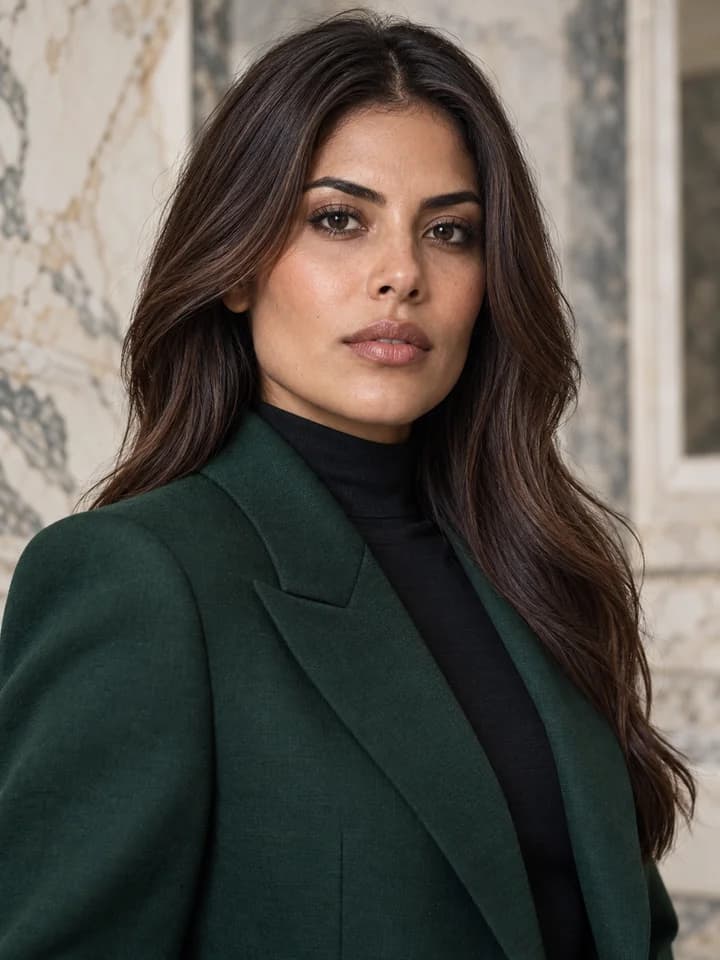
Adult Latina woman with chestnut hair in a forest-green jacket in a gallery

Restyle Colors, Light, and Atmosphere

Test cinematic shadows, pastel color grading, a magazine-inspired finish, or an illustrated treatment. Name the lighting, materials, and mood instead of asking for a vague improvement. Change one detail at a time to see how the image-to-image model interprets your brief.

Try Uncensored AI Image Editor Free
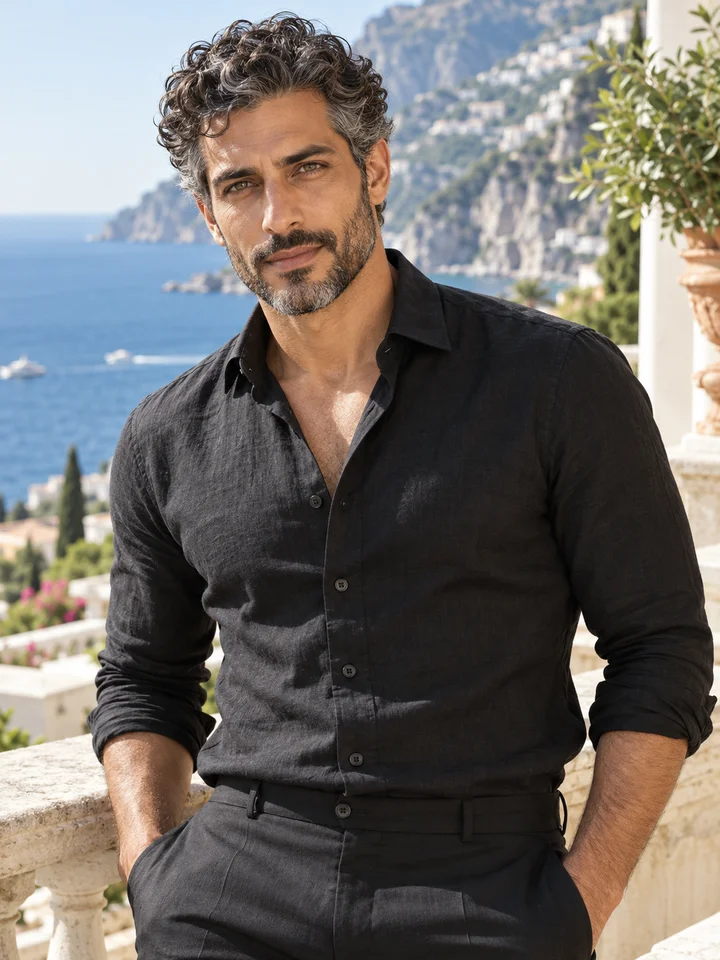
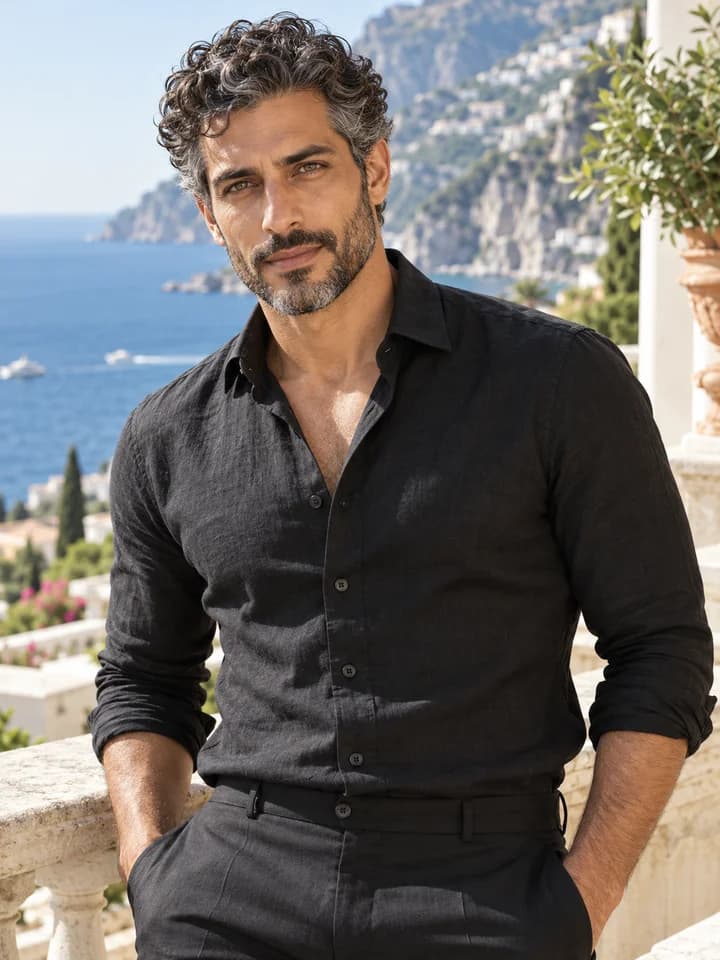
Adult man with salt-and-pepper curls in a black shirt on a coastal terrace

Use References and Refine Your Next Version

Choose an editing model that fits your task and add up to five reference images. Compare the available outputs and download a successful result. To continue refining it, upload that result as the reference for a new request in the uncensored AI image editor.

Try Uncensored AI Image Generator Free
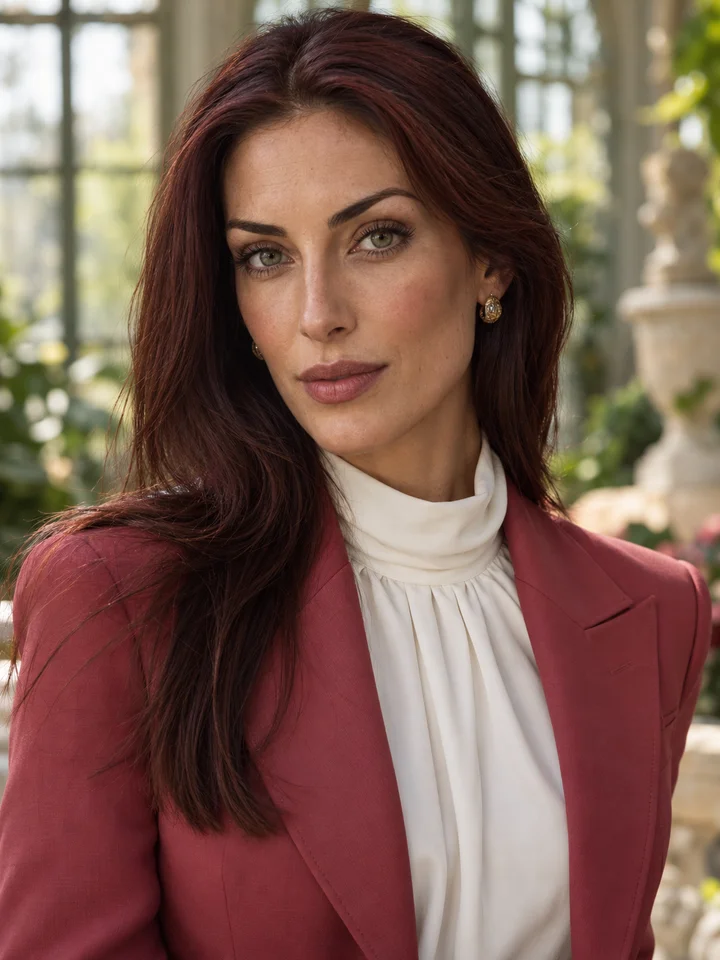
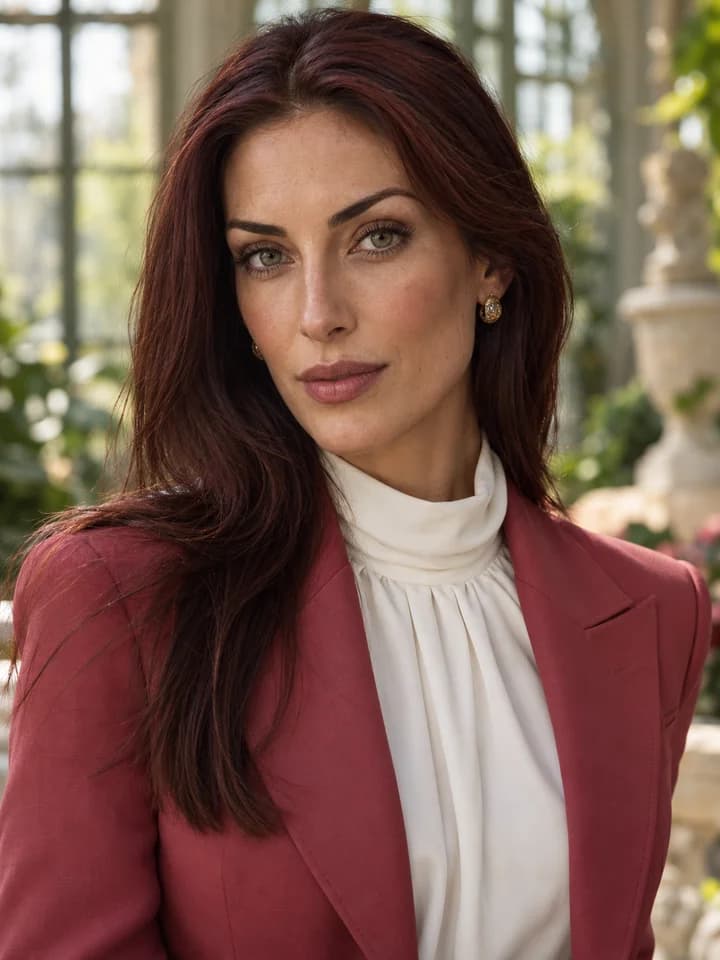
Adult woman with auburn hair and green eyes in a rose jacket in a conservatory

Get Inspired

Explore distinct adult faces, polished fashion looks, and portrait ideas for your next AI photo edit.

Adult woman with a platinum curly bob in a champagne blazer in a fashion studio
Adult Black man with medium twists in a navy knit shirt in a sunlit loft
Adult Latina woman with chestnut hair in a forest-green jacket in a gallery
Adult man with salt-and-pepper curls in a black shirt on a coastal terrace
Adult woman with auburn hair and green eyes in a rose jacket in a conservatory
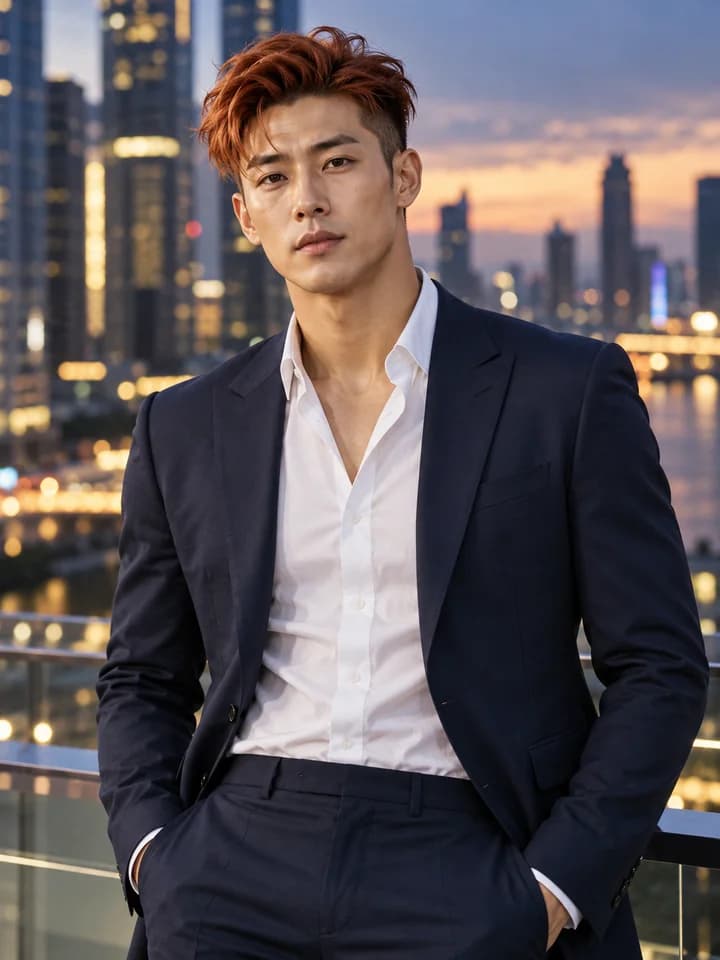
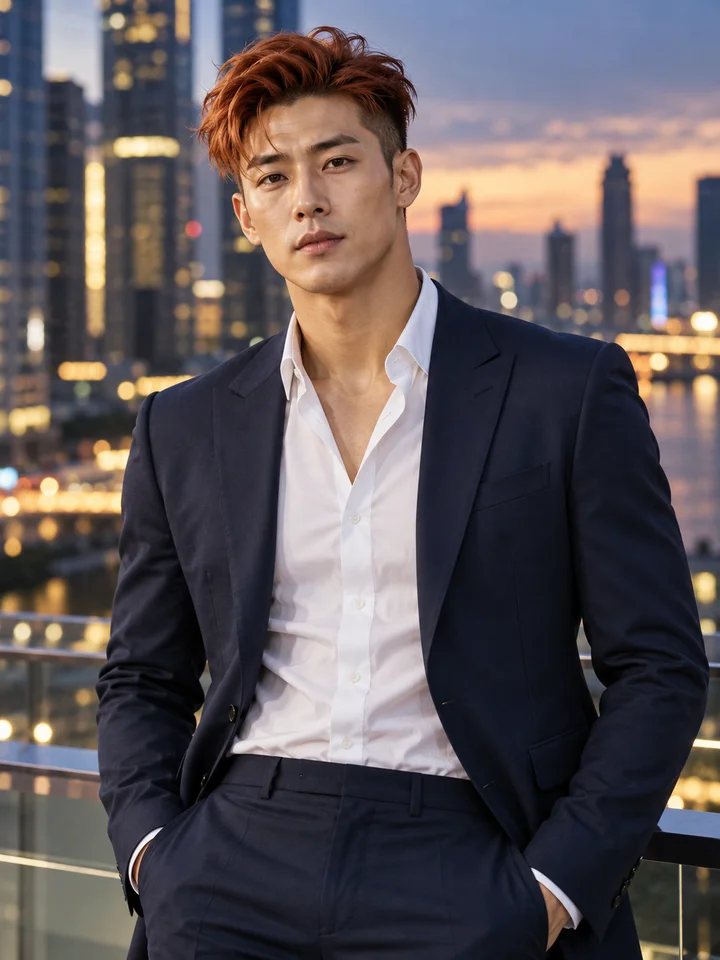
Adult East Asian man with a copper undercut wearing a midnight-blue suit
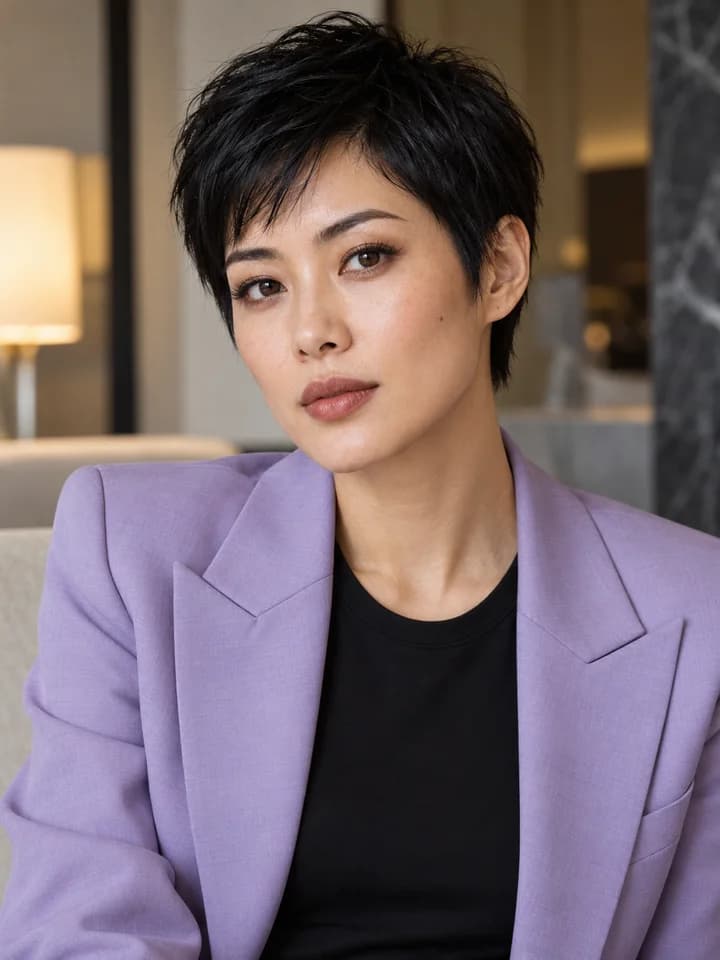
Adult woman with a black pixie haircut in a lavender blazer in a design hotel
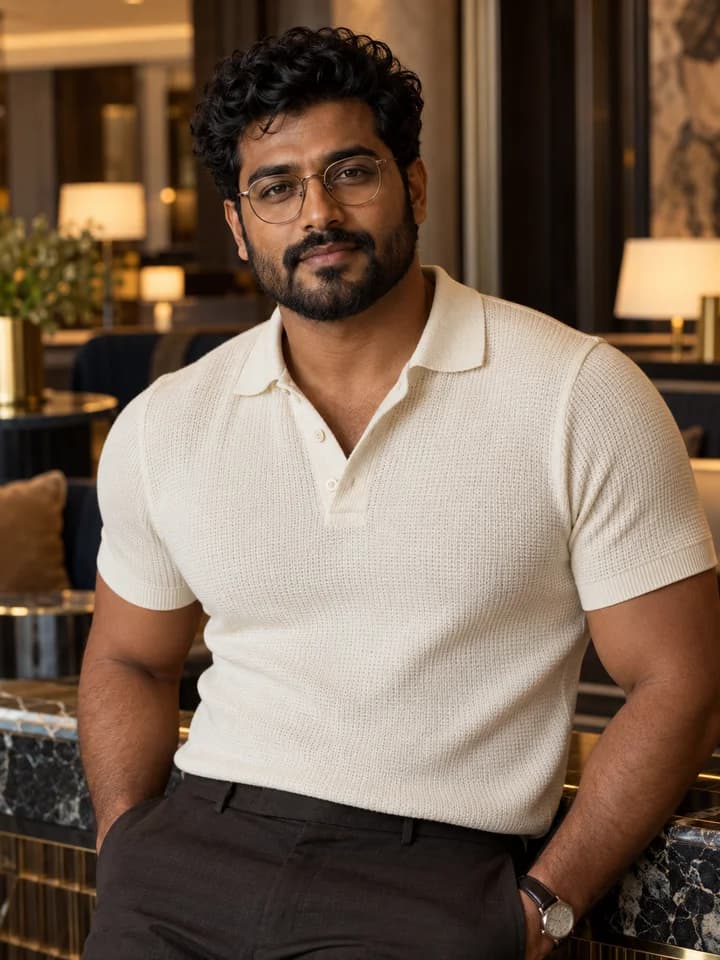
Adult South Asian man with curls and glasses wearing a cream polo in a hotel lounge
Try Uncensored AI Image Editor Free

Why Choose the Uncensored AI Image Editor?

An online photo-editing workflow built around your reference, your instruction, and the result you want to explore.

Plain-Language Instructions

Describe the change rather than a sequence of editing operations. Guide backgrounds, wardrobe, light, or style from a single prompt.

Try It with Free Signup Credits

New accounts receive 3 credits. Review the model, output settings, and total cost before submitting an edit, then add a credit pack if you want more.

A Choice of Editing Models

Choose a supported reference-based model for photo edits, or switch to Text To Image for a new concept. Both use your existing account and generation history.

SIMPLE WORKFLOW

How to Use the Uncensored AI Image Editor

1

Upload Your Starting Image

Open Image To Image, choose a supported model, and upload a JPG, JPEG, PNG, or WebP reference. Use a clear source image you have permission to edit.

2

Describe One Specific Change

Try: replace the background with a softly lit studio; keep the person, pose, and navy shirt. Clear preservation instructions make your intent easier to evaluate.

3

Choose Your Output and Generate

Set the available aspect ratio, resolution, and image count. Sign in, check the credit total, and submit the edit.

4

Review, Download, and Keep Refining

Compare the edit with your source, check faces and small details, and download the version you like. Upload it again if you want another editing pass.

Adult East Asian man with a copper undercut wearing a midnight-blue suit
Create, refine, download

Testimonials

New Directions for Reference-Based Photo Editing

V

Vera S.

Fashion Lookbook Producer

Starting with an adult model reference lets me focus on the styling change. I can explore an evening look and compare it with the original photo side by side.

N

Nico F.

Creative Portrait Photographer

I use the editor to imagine what a portrait would look like under a completely different lighting setup. That study helps me plan a second session.

S

Sasha L.

Costume Concept Artist

A reference photo gives me a pose to work with. I experiment with costume colors and textures, then use the most promising direction as a design reference.

A

Andre M.

Independent Wardrobe Stylist

Sometimes the outfit works but the location does not. I can test a new setting around the reference and see whether the styling still carries the concept.

M

Mira E.

Beauty Editorial Coordinator

I describe the mood I want instead of listing every editing operation. It is helpful for discussing a warmer palette or a more dramatic editorial treatment.

L

Leon H.

Dance Portfolio Designer

I start with a performance photograph and explore a different visual atmosphere. Keeping the original nearby helps me decide which edits support the movement.

E

Esme R.

Personal Branding Stylist

A casual portrait can be the starting point for several styling ideas. Comparing those edits helps someone decide how they want to present themselves in a shoot.

K

Kieran N.

Digital Collage Artist

I use reference-based edits as intermediate material for collages. A changed backdrop or color treatment can make an existing image fit a new composition.

A

Alina P.

Creative Portfolio Curator

The first edit is usually a conversation starter. I adjust one part of the prompt at a time so I can see which change brings the reference closer to the brief.

FAQ About the Uncensored AI Image Editor

Try the Uncensored AI Image Editor

Give an existing photo a new direction. Describe the change, compare the results, and try your first edits with 3 free signup credits.

Start Editing with Uncensored AI